> ## Documentation Index
> Fetch the complete documentation index at: https://docs.supercycle.com/llms.txt
> Use this file to discover all available pages before exploring further.
# Calendar overview
> Learn about running one-off rentals on your store
Calendar rental, also known as one-off or event rental, is the most recognizable method: you might have rented your skis, a suit for a wedding, or a dress for an event this way before.
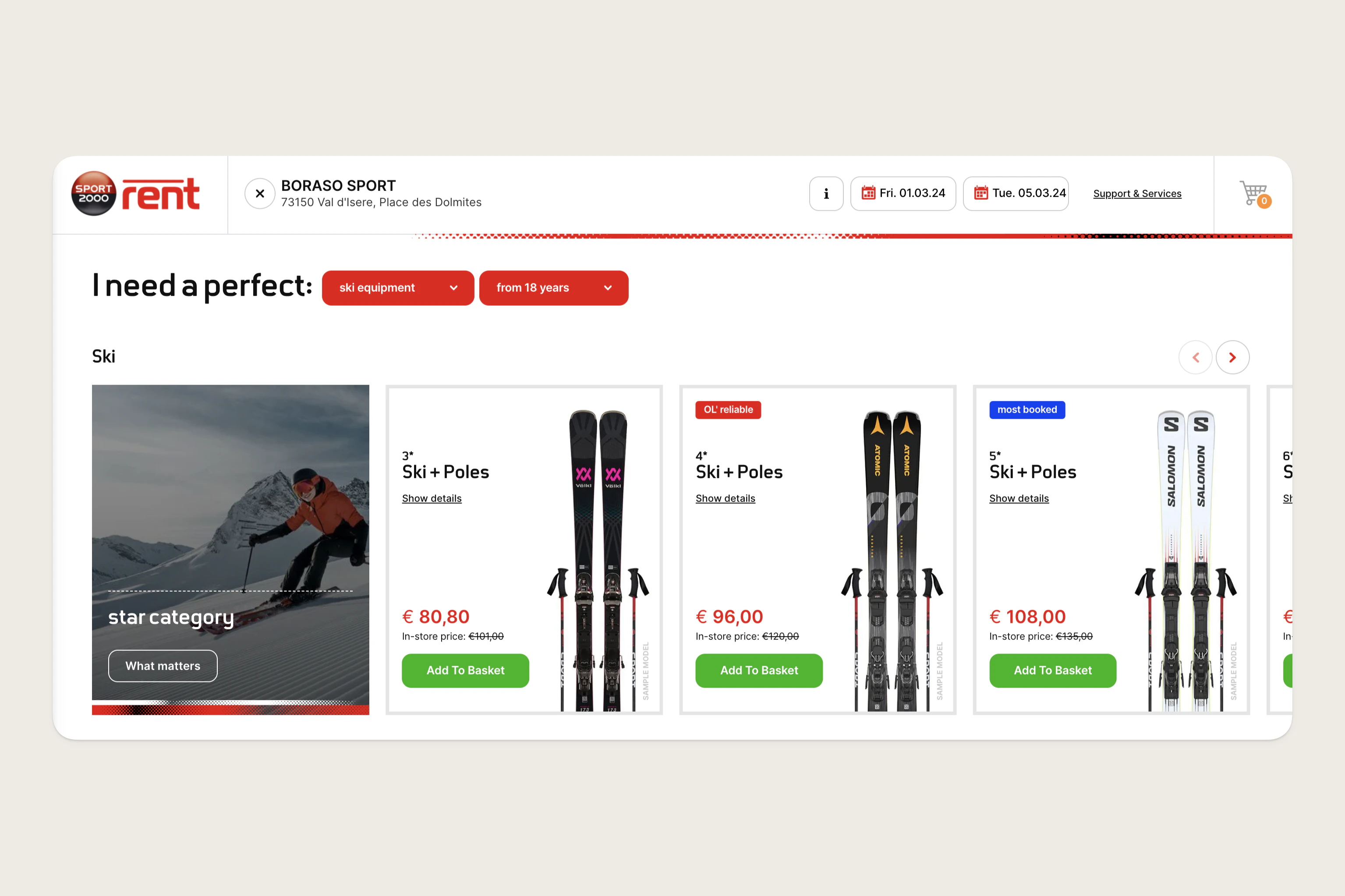 In calendar rental, a customer books an item between two specific dates, which Supercycle calls the **Arrive by** and **Return by** dates. You predetermine the rental periods - the number of days a product can be rented for - and the corresponding price.
***
## Configurations
Additional configurations to your calendar rental method to suit your business needs.
Charge set fees in addition to charging by rental period, such as a cleaning fee.
Let customers extend an active cycle from their account and pay the difference.
Ensure Supercycle doesn't allow rentals too close together
Allow customers to filter search results for products by availability.
***
In calendar rental, a customer books an item between two specific dates, which Supercycle calls the **Arrive by** and **Return by** dates. You predetermine the rental periods - the number of days a product can be rented for - and the corresponding price.
***
## Configurations
Additional configurations to your calendar rental method to suit your business needs.
Charge set fees in addition to charging by rental period, such as a cleaning fee.
Let customers extend an active cycle from their account and pay the difference.
Ensure Supercycle doesn't allow rentals too close together
Allow customers to filter search results for products by availability.
***